TAQS.IM Hub - The New Way to Manage Your Products

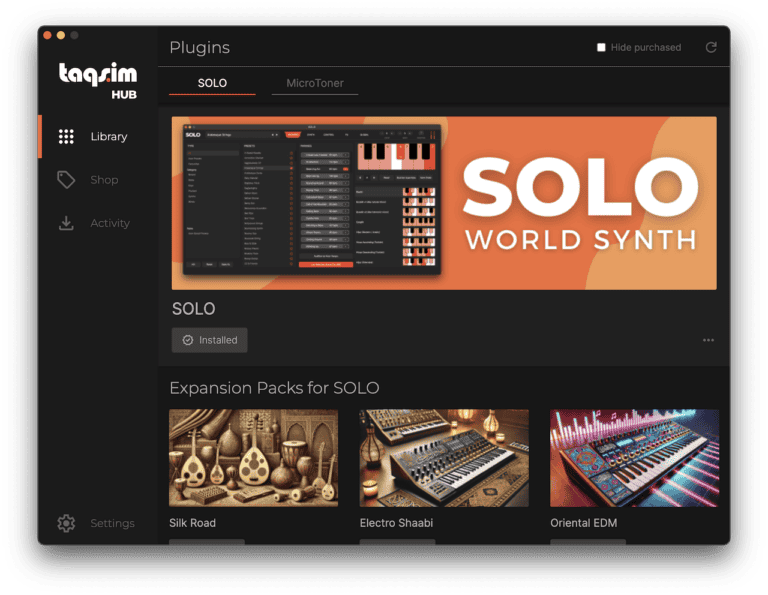
TAQS.IM Hub is your all-in-one software solution for seamlessly managing your TAQS.IM products and expansion packs. With the Hub, you can effortlessly install, update, and organize your licenses, ensuring your sound libraries are always up-to-date and ready to elevate your music production.

Now, TAQS.IM Hub also integrates your shopping experience, allowing you to preview, purchase, and install Expansion Packs with just a few clicks. Discover new sounds, expand your library, and unlock creative possibilities—all without leaving the Hub. Simplify your workflow and stay focused on creating, while TAQS.IM Hub handles the rest.

Download TAQS.IM Hub from the links below:

Mac Alternate Download: https://taqs.im/hub-mac-alt (WeTransfer Link)

Windows Alternate Download: https://taqs.im/hub-win-alt (WeTransfer Link)

Note: You may receive a Windows Defender Notice during installation

How to Login to TAQS.IM Hub

You will need to login to your TAQS.IM account to access your products on TAQS.IM Hub. Below are the instructions to login through our website, through hub itself or via a link that is sent to your account email.

Open TAQS.IM Hub and choose your login method

Install and launch TAQS.IM Hub (Note: The windows version may launch Windows Defender as this is a new application, please install the application). If you select:

  • Login with Browser please read Section A below
  • Login with Credentials read Section B below
  • Email Login Link read Section C below

A. Login with Browser

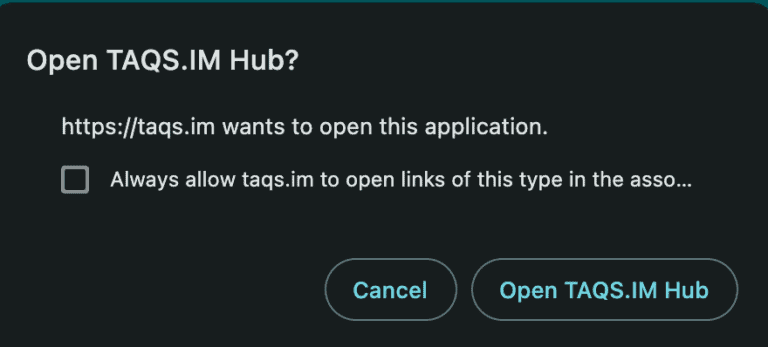
Login with Browser will redirect you to login to your TAQS.IM account on our website. Once logged in you will then receive a notification from your browser to open the application. Click Open TAQS.IM Hub to authenticate through the website to TAQS.IM Hub. Note, if you do not receive this notification please go back to TAQS.IM Hub and click on Login with Browser again and you will be redirected appropriately. 

B. Login with Credentials

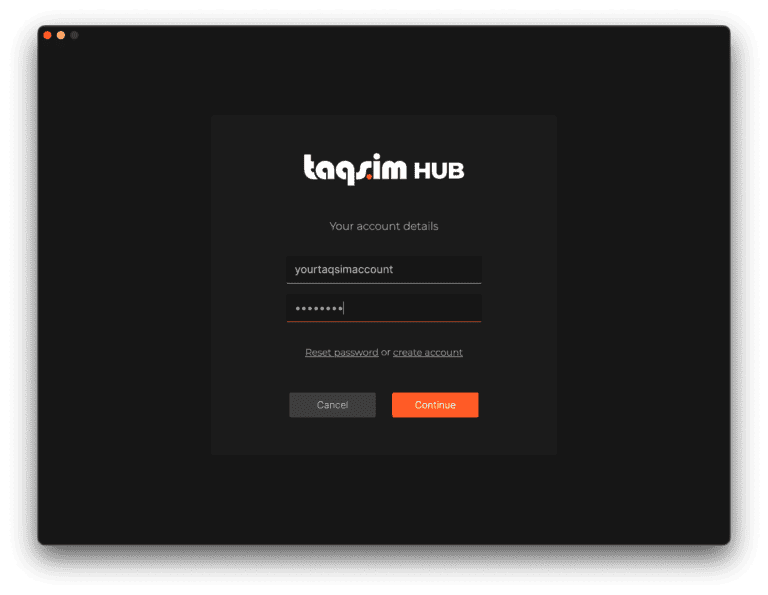
Login with Credentials will open up a screen that allows you to enter in your TAQS.IM website account credentials and login to Hub. You can reset your password or, if you do not have a TAQS.IM account, it can redirect you to create a new account.

C. Email Login Link

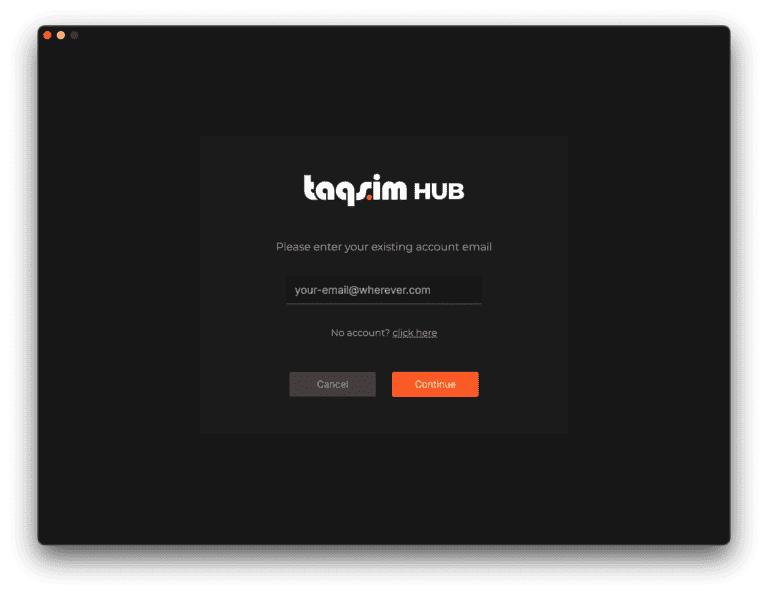
If you have an existing TAQS.IM account, Email Login Link will send an email to the specified email. In that email will be a link which will redirect you to our website and automatically log you into Hub.