TAQS.IM Hub – All Your Sounds in One Place
TAQS.IM Hub brings all your TAQS.IM products together in one place. Easily install and update your instruments and expansion packs, manage your licenses, and keep your sound libraries ready to play.
Ready for something new? Preview, purchase, and install Expansion Packs directly in the Hub. Discover fresh sounds and grow your collection in just a few clicks—so you can spend more time making music.
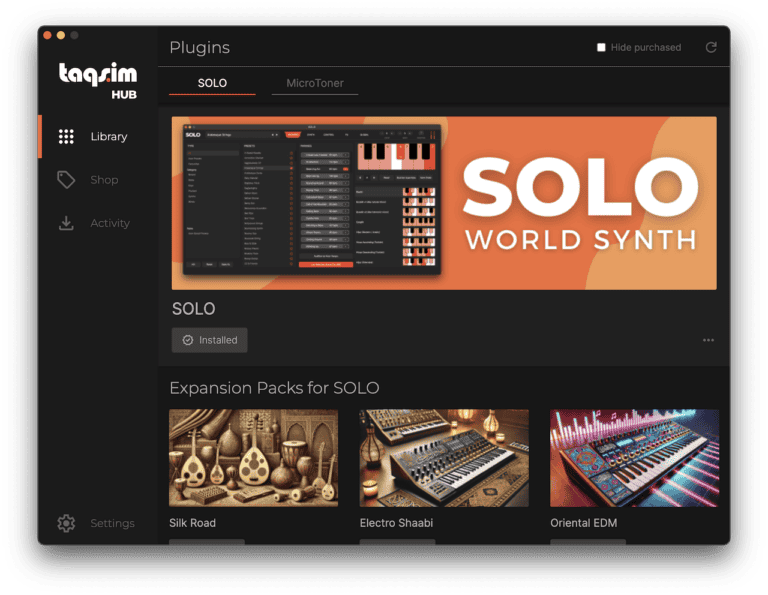
Download TAQS.IM Hub from the links below:
Mac Alternate Download: https://taqs.im/hub-mac-alt (WeTransfer Link)
Windows Alternate Download: https://taqs.im/hub-win-alt (WeTransfer Link)
Note: You may receive a Windows Defender Notice during installation
How to Login to TAQS.IM Hub
You will need to login to your TAQS.IM account to access your products on TAQS.IM Hub. Below are the instructions to login through our website, through hub itself or via a link that is sent to your account email.
Open TAQS.IM Hub and choose your login method
Install and launch TAQS.IM Hub (Note: The windows version may launch Windows Defender as this is a new application, please install the application). If you select:
- Login with Browser please read Section A below
- Login with Credentials read Section B below
- Email Login Link read Section C below
A. Login with Browser
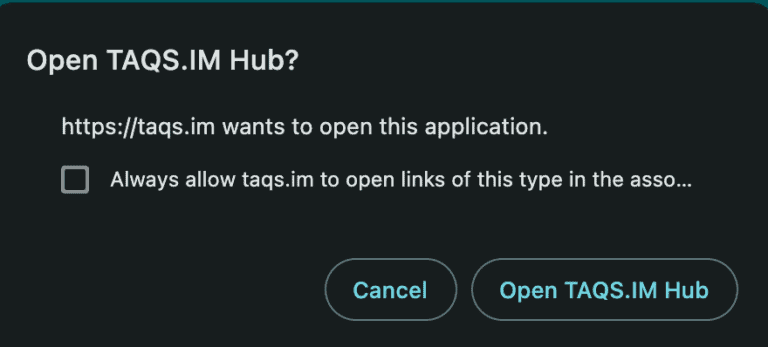
Login with Browser will redirect you to login to your TAQS.IM account on our website. Once logged in you will then receive a notification from your browser to open the application. Click Open TAQS.IM Hub to authenticate through the website to TAQS.IM Hub. Note, if you do not receive this notification please go back to TAQS.IM Hub and click on Login with Browser again and you will be redirected appropriately.
B. Login with Credentials
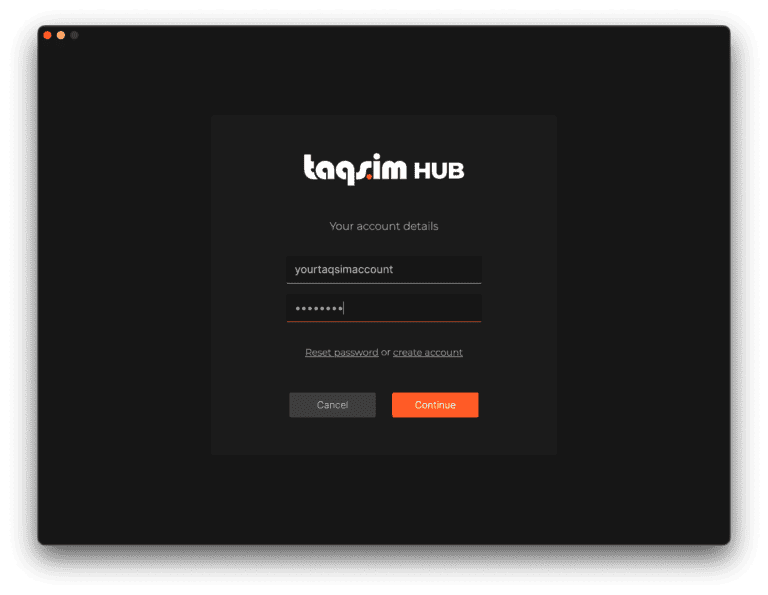
Login with Credentials will open up a screen that allows you to enter in your TAQS.IM website account credentials and login to Hub. You can reset your password or, if you do not have a TAQS.IM account, it can redirect you to create a new account.
C. Email Login Link
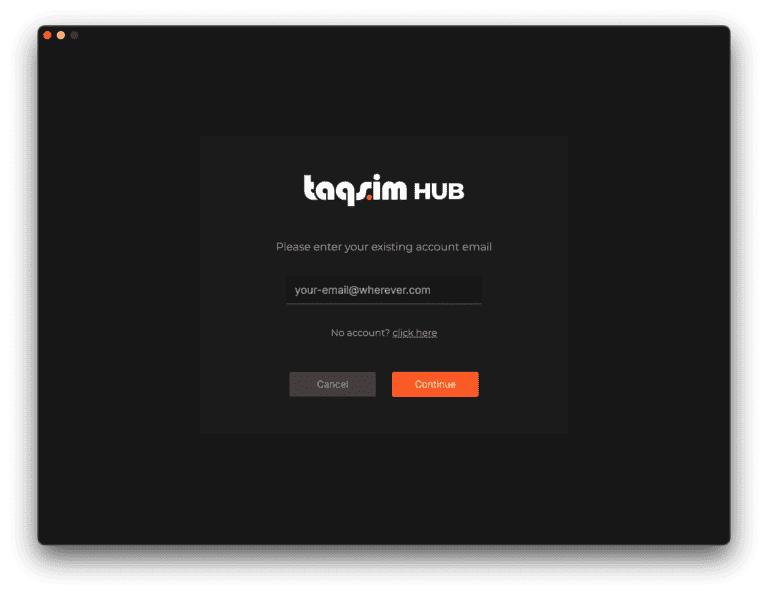
If you have an existing TAQS.IM account, Email Login Link will send an email to the specified email. In that email will be a link which will redirect you to our website and automatically log you into Hub.